iPhone storage cleaner

Reclaim your phone storage

Solvarion finds the photos, duplicates and oversized videos that fill up your iPhone, then lets you clear them in a few taps. You decide what goes.

Download on theApp Store Coming soonAndroid

For iPhone. Optimized for iPhone Duo. Android version in development.

All Clean screen in Solvarion after a cleanup, with the storage freed
What it does

Six ways to get your space back

Every tool shows how much space you can free before you delete anything.

Reclaim your phone storage

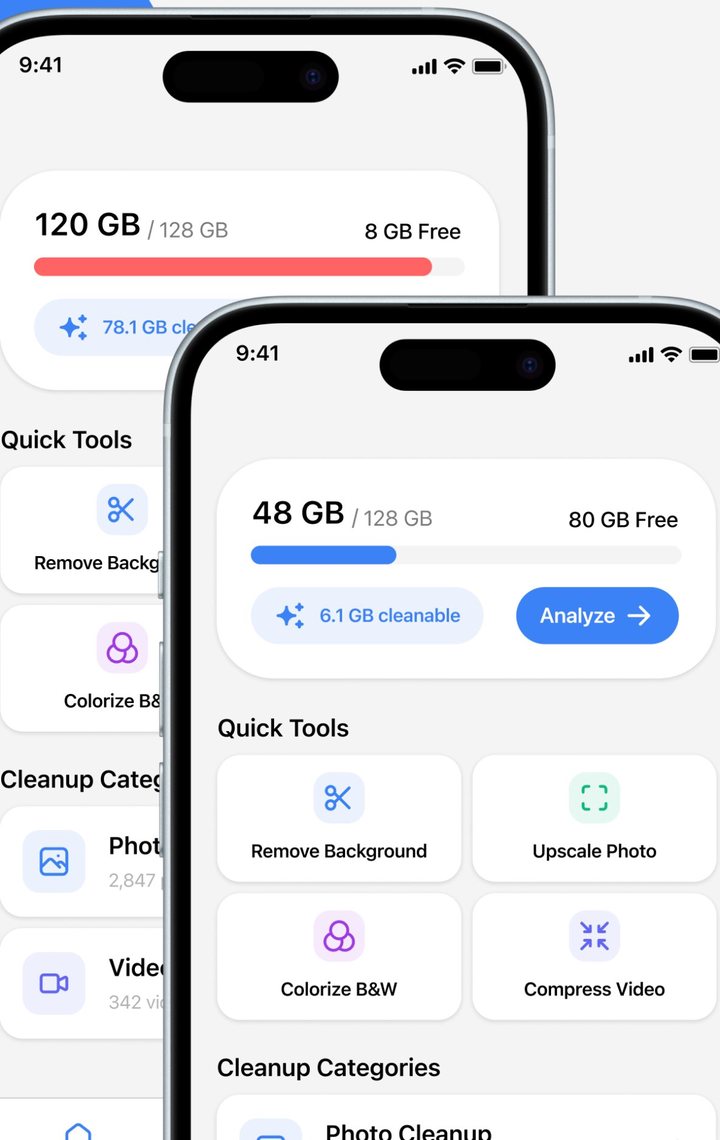
One screen shows how full your iPhone is and how many gigabytes are safe to clean. Tap Analyze and Solvarion sorts it into categories.

  • Used, free and cleanable space at a glance
  • Separate cleanup categories for photos and videos
  • Quick tools one tap away
Storage overview with 6.1 GB cleanable and an Analyze button

Clean photos with a swipe

Go through your library one photo at a time. Swipe to delete, swipe to keep. A counter shows how far you are.

  • Undo the previous choice at any moment
  • Filter by time period
  • Nothing is removed until you confirm
Swipe screen with a stack of photos, an Undo Previous button and keep or delete buttons

Remove duplicate photos fast

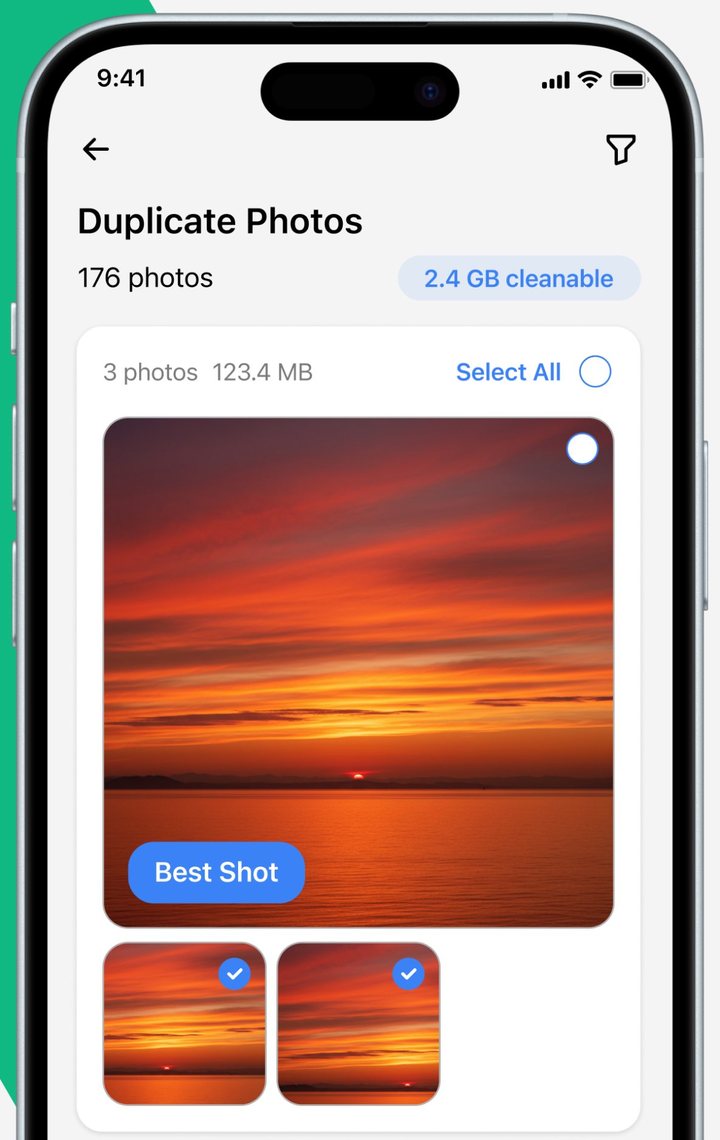
Solvarion groups identical and near-identical shots and marks the best one, so you keep a single copy and drop the rest.

  • Best Shot is picked for every group
  • Select all extras with one tap
  • Group size shown before you delete
Duplicate Photos screen with 176 photos, 2.4 GB cleanable and a Best Shot label

Clear out large videos

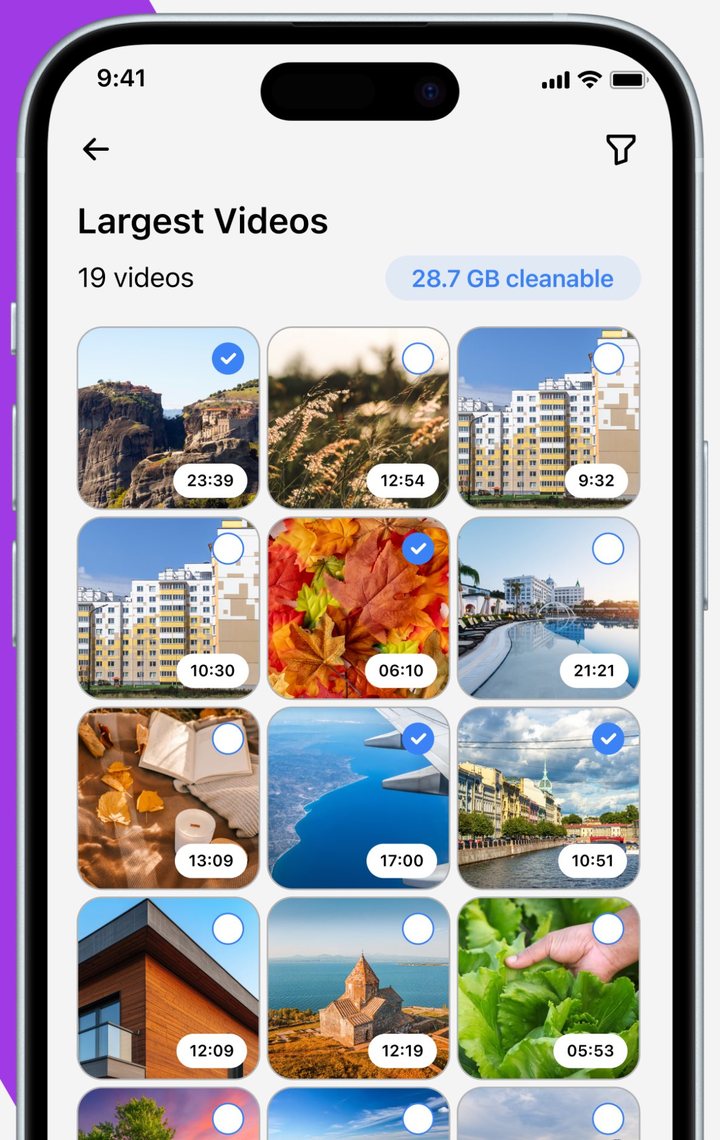
Videos take the most room. See your largest ones in a grid with their length, pick the ones you no longer need and free gigabytes at once.

  • Largest videos listed first
  • Total cleanable size always visible
  • Compress a video when you want to keep it
Largest Videos screen with a grid of 19 videos and 28.7 GB cleanable

Cleanup done in seconds

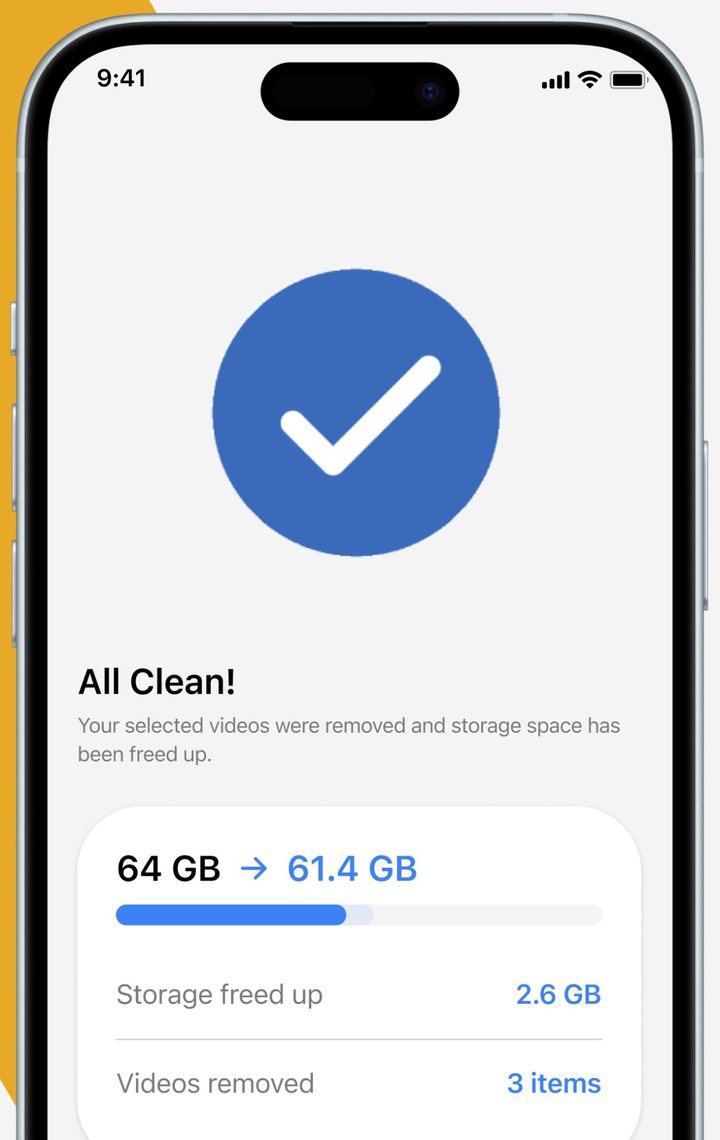
After each cleanup you get a short report with the storage before and after, how much space you freed and how many items were removed.

  • Before and after storage figures
  • Count of removed items
All Clean screen showing storage going from 64 GB to 61.4 GB with 2.6 GB freed

Keep your data protected

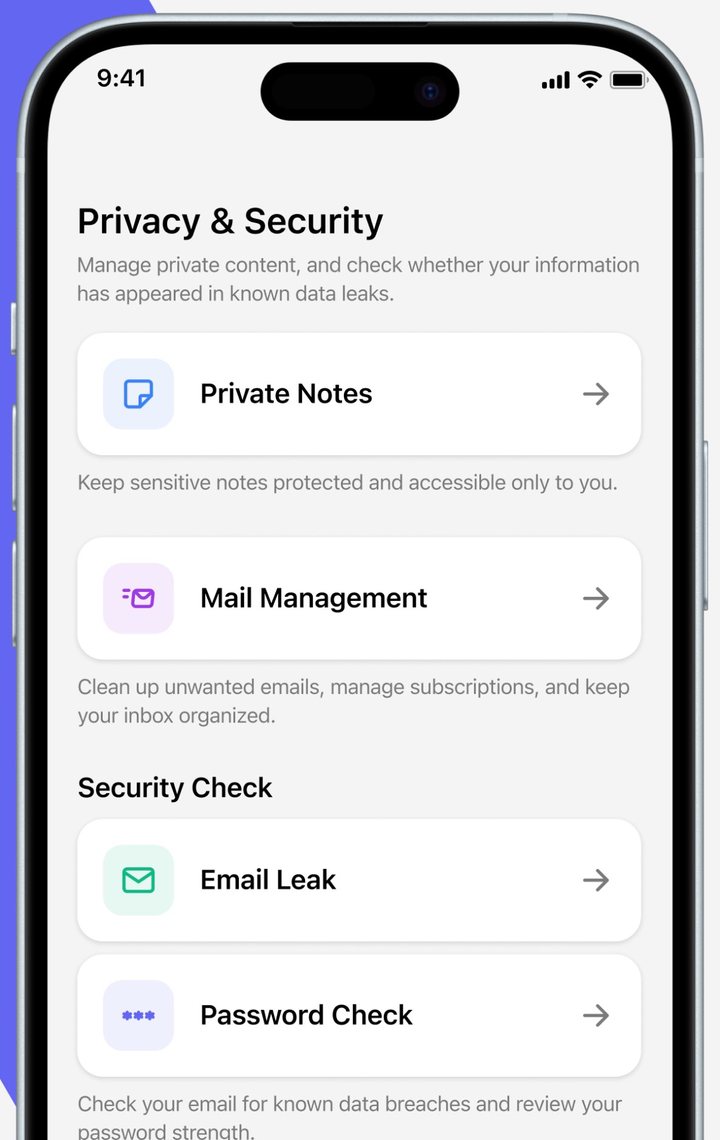
A Privacy & Security section sits next to the cleaner. Store private notes, tidy your inbox and check whether your details appear in known data leaks.

  • Private Notes only you can open
  • Mail Management for unwanted emails and subscriptions
  • Email Leak and Password Check
Privacy and Security screen listing Private Notes, Mail Management, Email Leak and Password Check
Quick tools

More than a cleaner

Remove BackgroundCut the subject out of a photo. Processed on your iPhone.
Upscale PhotoMake a small or blurry picture larger and sharper.
Colorize B&WAdd color to old black and white photos.
Compress VideoShrink a video you want to keep so it takes less room.
How it works

Three steps, no tools required

1

Analyze

Open the app and tap Analyze. Solvarion scans your library on the device and shows what can be cleaned.

2

Review

Swipe through photos, check duplicate groups and pick large videos. Keep what matters and mark the rest.

3

Clean

Confirm, and the space is yours again. A summary shows exactly how much you freed.

Privacy

Your photos stay on your iPhone

Scanning, duplicate detection and cleanup happen on the device. We do not upload your photo library, your videos or your notes to our servers, and you do not need an account to use the app.

Read the Privacy Policy

  • On-device scanningYour library is analyzed locally.
  • No accountInstall and start. No sign-up form.
  • You confirm every deletionNothing is removed automatically.
Premium

Pick weekly or monthly

Solvarion Premium is an auto-renewing subscription bought through your Apple Account. Some plans start with a free trial.

WeeklyRenews every week. Available with or without a free trial.
MonthlyRenews every month. Available with or without a free trial.

Current prices are shown in the app before you buy. Cancel any time in your Apple Account settings, at least 24 hours before the period ends. Details are in the Terms of Use.

Solvarion app icon

Get your storage back today

Download Solvarion: Mobile Cleaner on the App Store. The Android version is on the way.

Download on theApp Store Coming soonAndroid

Optimized for iPhone Duo, folded and unfolded.